Demo
See a proposal made, step by step.
A short tutorial in screenshots of the app, then the same steps to try yourself on a sample solicitation. No account, and nothing is sent or saved.
Watch it
STEP 1 OF 7
Pick a solicitation that fits
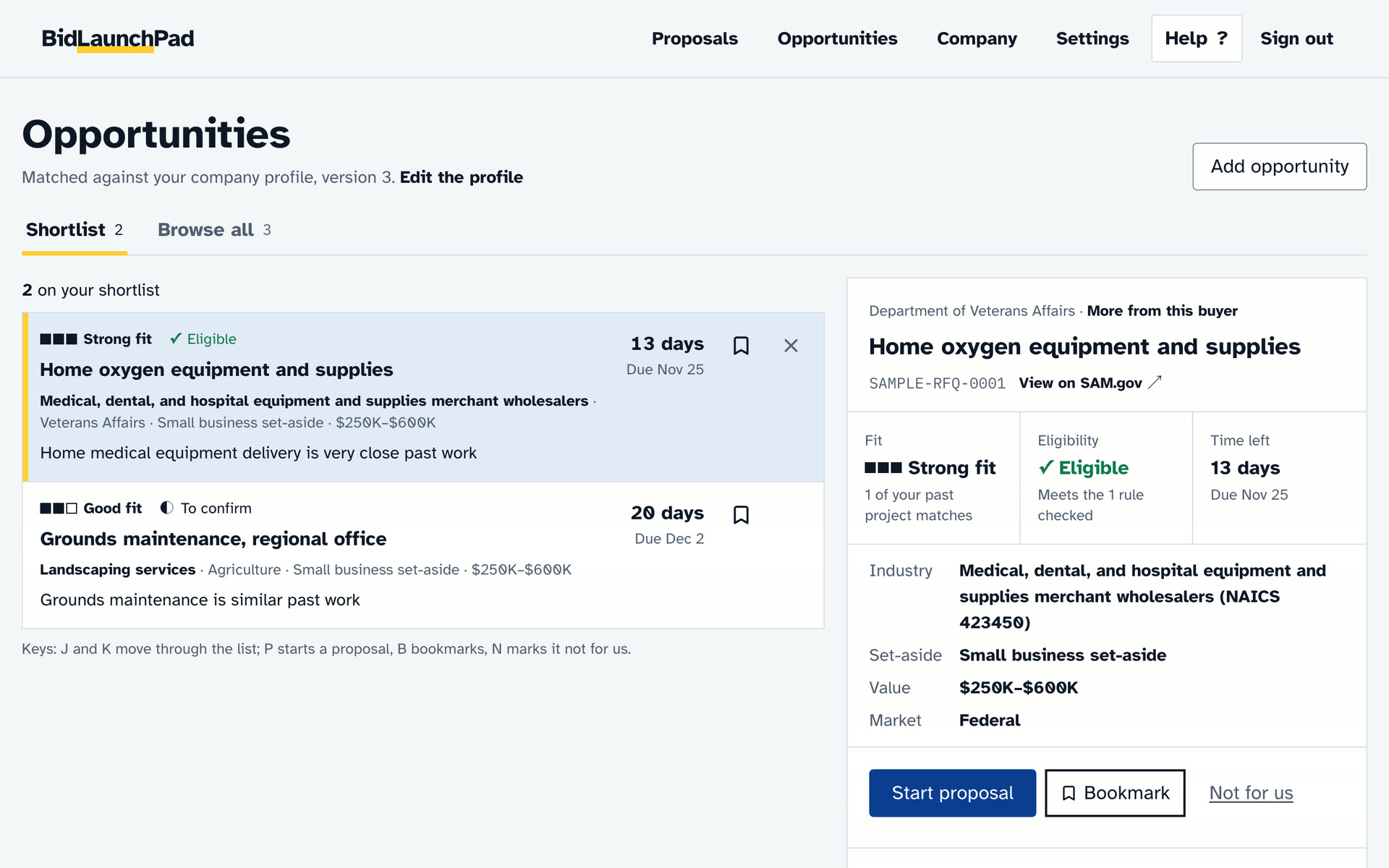
Opportunities ranks open solicitations against your company and says why each one fits. Open one, then press Start proposal.
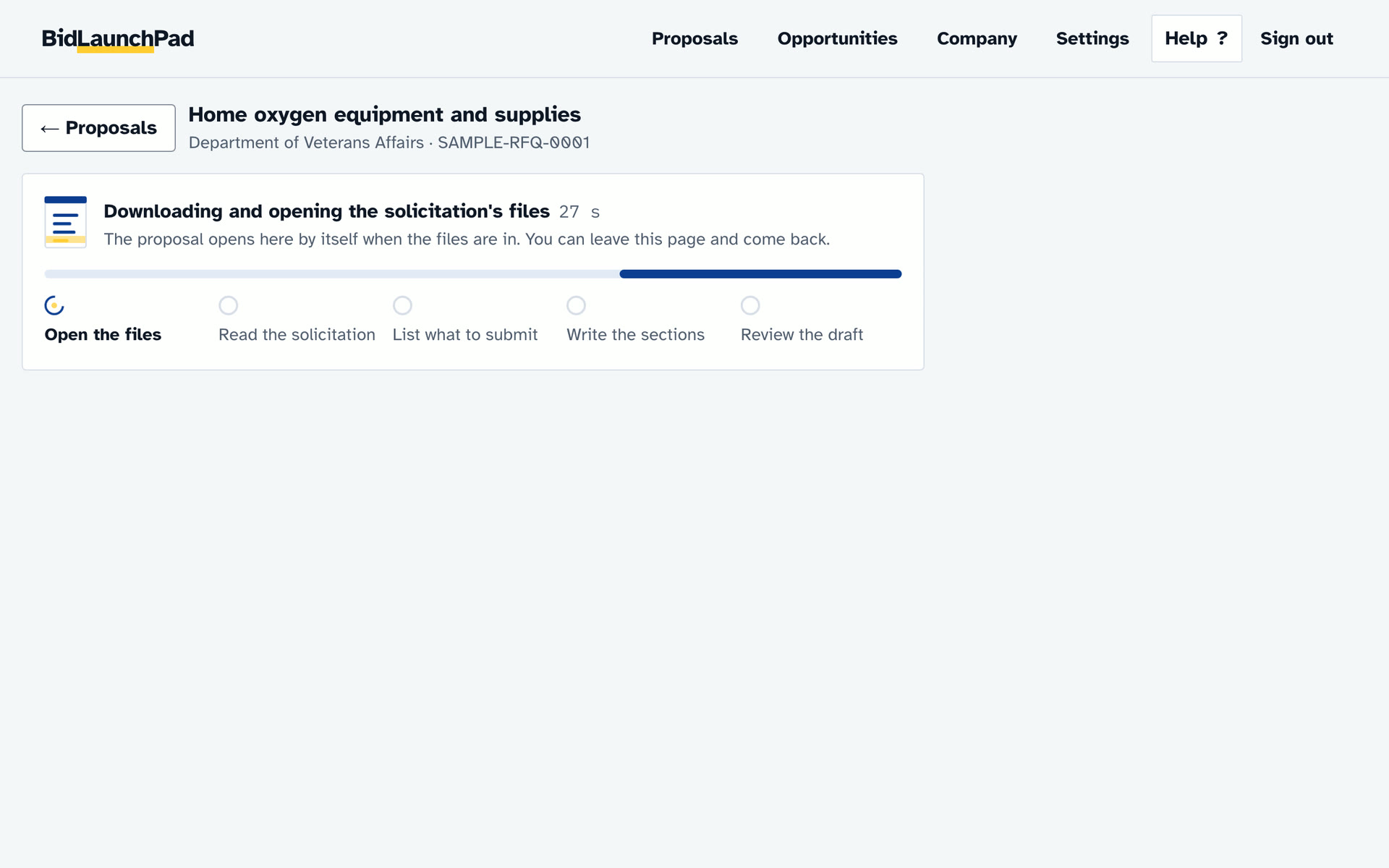
Screenshots of the app with a sample solicitation.
Try it yourself
The same steps on a sample solicitation, each with something to do.
STEP 1 OF 5
Find a contract worth bidding on
Try itOpen the home oxygen request, then press Start proposal.
Choose a notice matched to your company from SAM.gov, or upload the solicitation files you were sent. Notices you aren't eligible for are marked, so you can skip them early.
Opportunities
Matched against your company profile.
2 on your shortlist
Pick an opportunity to see why it fits and whether you can bid.
Sample data. Nothing here is sent or saved.
What the demo walks through
Find a contract worth bidding on
Choose a notice matched to your company from SAM.gov, or upload the solicitation files you were sent. Notices you aren't eligible for are marked, so you can skip them early.
Let it read the solicitation
The solicitation, its amendments and its attachments are read. Each requirement is listed with the sentence it came from, and anything unclear is flagged for you. Check the list against the solicitation before you rely on it.
Fill in what only you know
A number, name or date it can't trace is meant to be a marked blank. Check the draft for any it missed.
Enter your prices
Nothing is sent to an agency for you. Every price, certification and signature is your decision.
Check it and download the package
One download: each proposal volume as a PDF named the way the solicitation asks, your price schedule, the forms you completed, a submission checklist and a draft of the submission email. The proposal also exports to Word. An SF 1449 is filled with your verified company details; you sign it yourself, in the product or on paper.
Have a solicitation to answer?
BidLaunchPad reads it, lists what it asks for and writes the first draft from your approved company record. You review, price, sign and submit. Your first proposal is free.
Start your first proposal free